精準的影片轉文字,附時間戳記
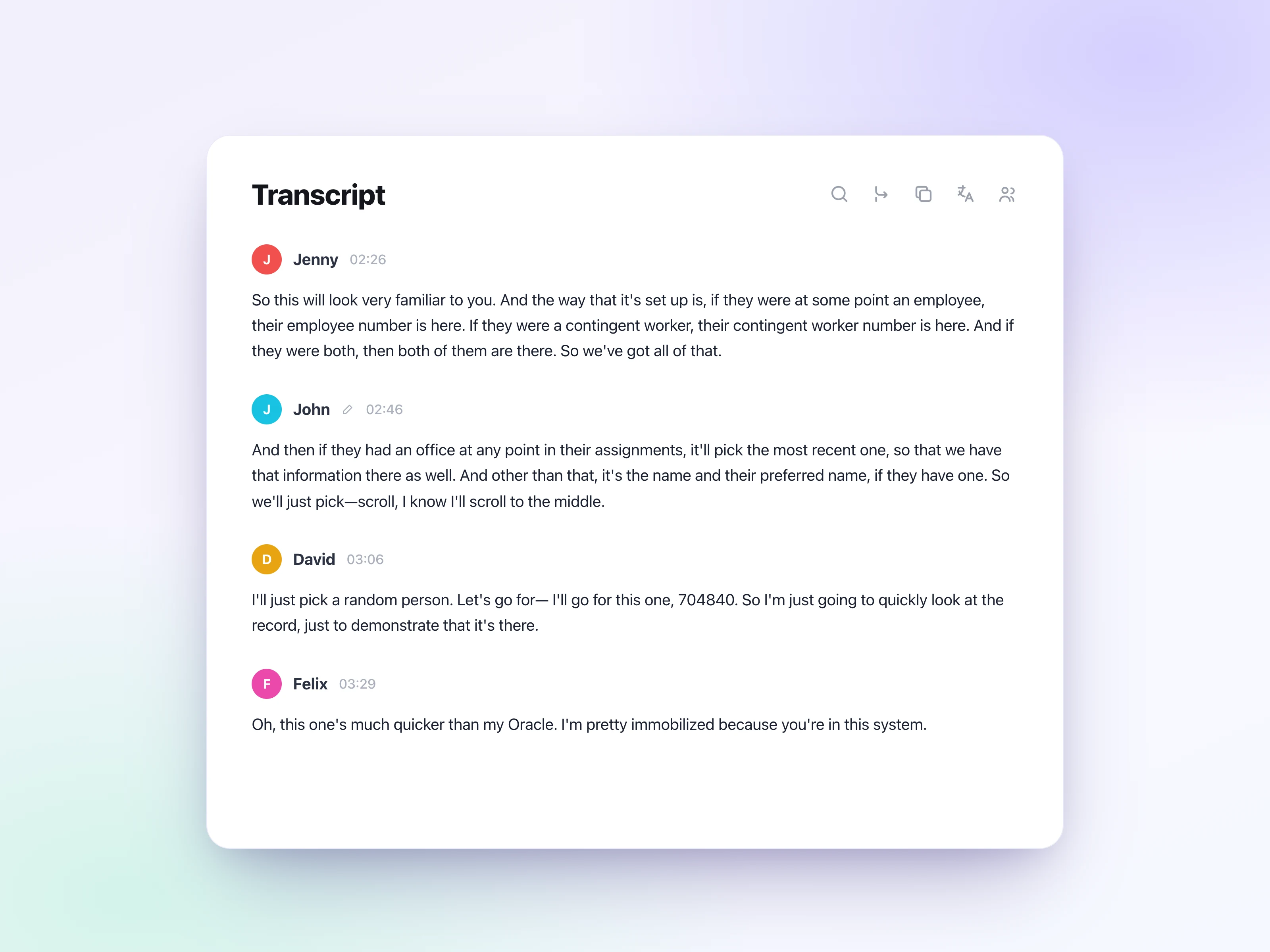
將影片轉文字,取得整潔、可編輯的文字稿,自動加上標點和時間戳記,讓你清楚看到每一句話在影片中出現的時間點。


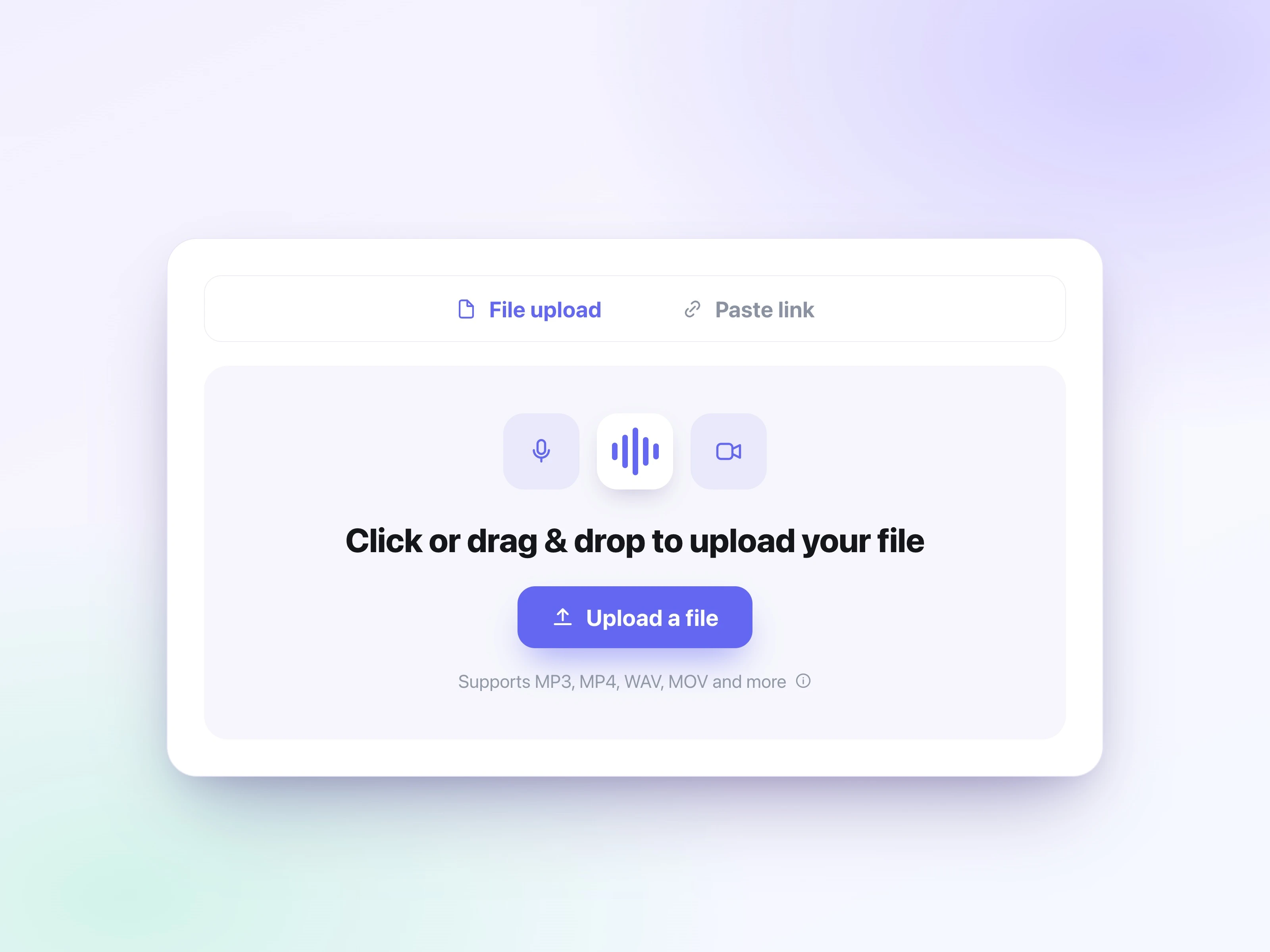
直接從你的裝置拖放 MP4、MOV、WebM、MKV 或其他影片檔案。螢幕錄影、講座影片和手機拍攝的影片都適用。可上傳最大 5GB 的檔案,並在瀏覽器中直接開始影片轉文字。
選擇轉寫設定,然後開始將影片轉文字。UniScribe 會直接讀取影片檔案中的音軌,因此你無需先擷取音訊或轉換格式。
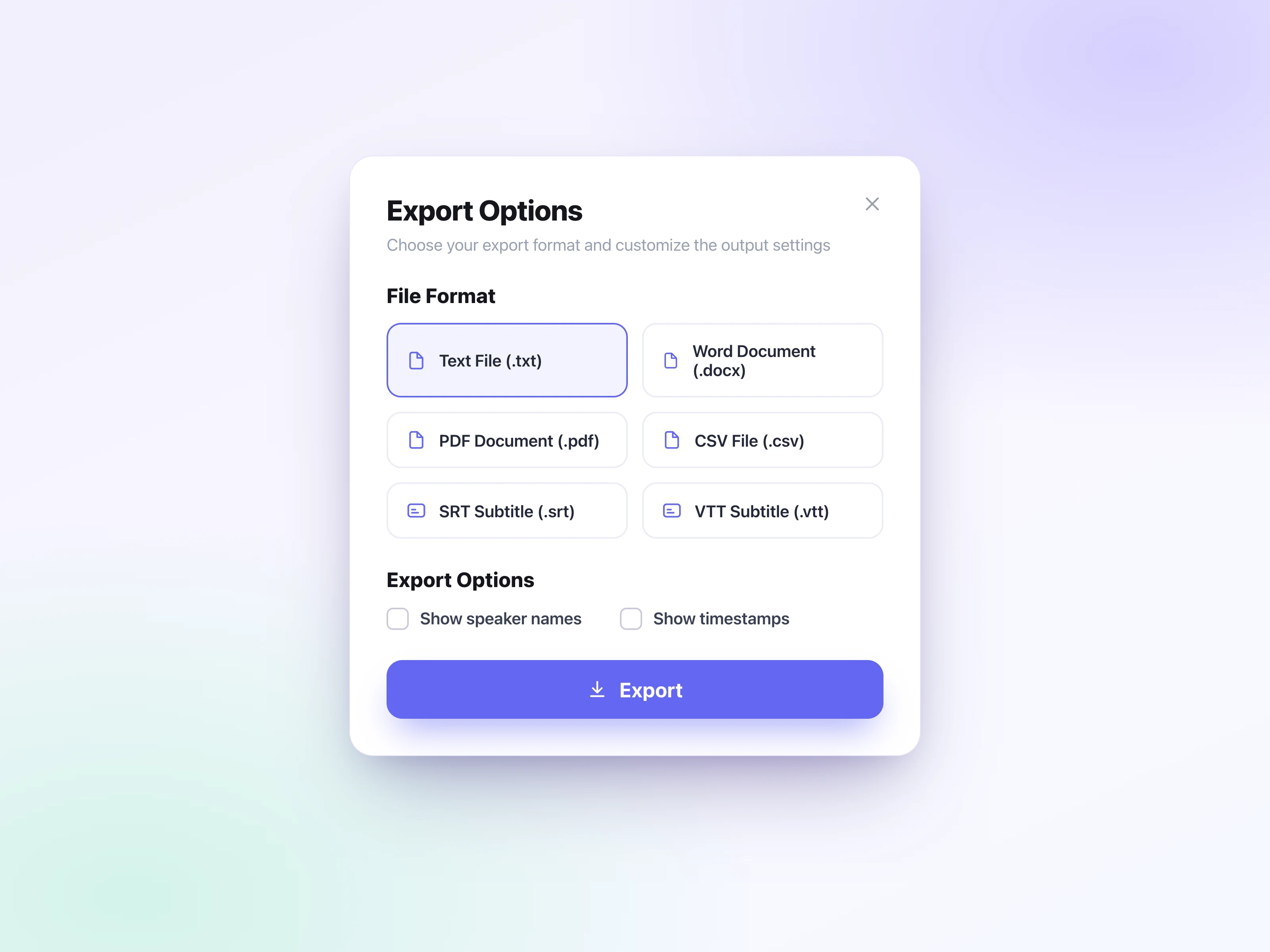
在內建編輯器中編輯文字稿,然後匯出為 SRT 或 VTT 字幕,供 YouTube 或你的影片剪輯軟體使用,也可以匯出為 TXT、DOCX、PDF 或 CSV 文件。你還可以將文字稿以連結分享。
免費線上將影片轉文字,把 MP4、MOV、WebM 等格式轉為可編輯的文字稿,以及 63 種語言的 SRT/VTT 字幕,並提供 AI 摘要。
將影片轉文字,取得整潔、可編輯的文字稿,自動加上標點和時間戳記,讓你清楚看到每一句話在影片中出現的時間點。
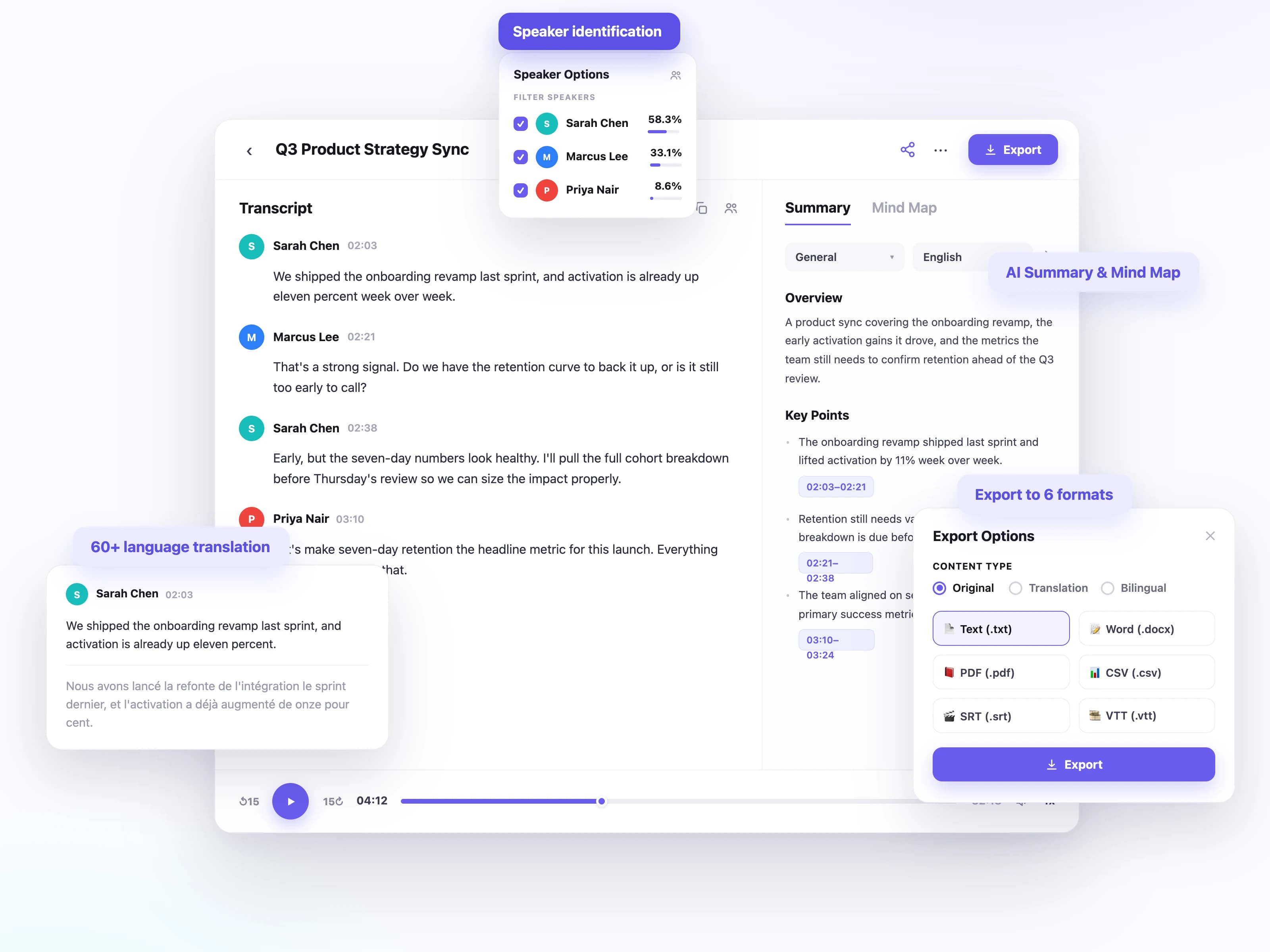
以 63 種語言將影片轉文字,無論是英文教學影片,還是以其他語言錄製的會議、講座或線上課程都能處理。
當影片中有多人發言時,例如論壇討論、訪談和會議錄影,每位說話者都會獲得標註,讓你隨時知道是誰說了什麼。
將文字稿轉為可直接用於 YouTube 和影片剪輯軟體的 SRT 或 VTT 字幕,或在需要文件時下載 TXT、DOCX、PDF 和 CSV。
將文字稿翻譯成另一種語言,讓你可以加上該語言的字幕,或把內容分享給更多觀眾。
把長達一小時的影片濃縮成簡短摘要、心智圖和重點整理,讓你不必看完整部影片也能掌握重點。
從講座到產品示範,各行各業的人都會用影片轉文字工具,讓自己的影片更易於搜尋、引用和重複使用。
他們為什麼需要
每支影片都需要字幕、說明文字和重新編排的貼文,才能觸及更廣的受眾。
他們如何使用
只需轉寫一次影片,匯出 SRT 或 VTT 字幕,再把文字稿轉為部落格文章和社群內容。
他們為什麼需要
當你得反覆跳轉才能找到某個重點時,講座錄影和課程影片並不容易回顧。
他們如何使用
把講座影片轉換為可搜尋的筆記,再產生摘要和心智圖,加快複習速度。
他們為什麼需要
會議錄影、網路研討會和培訓影片往往埋沒了決策與關鍵細節。
他們如何使用
轉寫錄影,辨識每位說話者,並與團隊分享會議紀錄或重點。
他們為什麼需要
從原始影片素材中引用和分析訪談與焦點小組錄影,往往要花上好幾個小時。
他們如何使用
上傳錄影,取得帶時間戳記和說話者標註的文字稿,並摘錄精確引言以供分析。
從幾十秒的語音備忘到數小時的長錄音,世界各地的使用者都在用 UniScribe 把影音轉成真正能用的文字。
UniScribe has become a part of my daily workflow, and I believe it should be in every content creators' toolbox. It's the best transcription tool I've ever used. The accuracy is amazing. The summary and FAQs that it creates with every transcription was a nice surprise, they allow me to actually create a valuable add-on to every podcast and video summary I upload to my membership site in not time at all. This has been one of my favorite AppSumo purchases. I give it 5 tacos! If you're on the fence about whether or not to purchase a UniScribe subscription, get off the fence and do it. It's a great value.
I’ve been searching for an alternative to subscription-based transcription apps and recorders, unsure if they’d truly boost my productivity as a teacher. UniScribe does exactly what it promises! I’ve recorded various things using the Voice Memo app on my phone, and simply dropping the file into UniScribe gives me a seamless transcription. I can file it, export it, and move on quickly. I’ve even created a shortcut on my iPhone for direct Chrome login, making access even faster. I had a minor login hiccup, but their support team resolved it quickly. The YouTube transcription feature is next-level – perfect for quick content checks as a teacher.
This tool is a key part of my stack. And the recent update where we can generate different summary types from the same transcript has taken the tool to another level! My key reason when I picked up this tool was to make mind maps from the videos. And this tool keeps delivering on that. The processing speed, quality of transcript, multiple sources, and ability to replay audio later—I mean, can it get more valuable than this?
輕鬆轉錄音訊和影片,節省您的時間並幫助您專注於重要事項
是。
如果您認為您符合退款資格,請透過 [email protected] 與我們聯繫,我們將竭誠為您服務。