

AI でギリシャ語音声をテキストに変換する
1 時間のギリシャ語音声ファイルを 1 分未満でテキストに変換します。複数の形式に対応し、簡単なエクスポートオプションにより、文字起こしが簡単になります。今すぐお試しください!
クリックまたはドラッグ&ドロップしてファイルをアップロード
20+種類の入力形式
63言語の文字起こし
6種類のエクスポート形式
話者識別
翻訳
AI要約
3 つの簡単なステップでギリシャ語音声をテキストに変換する
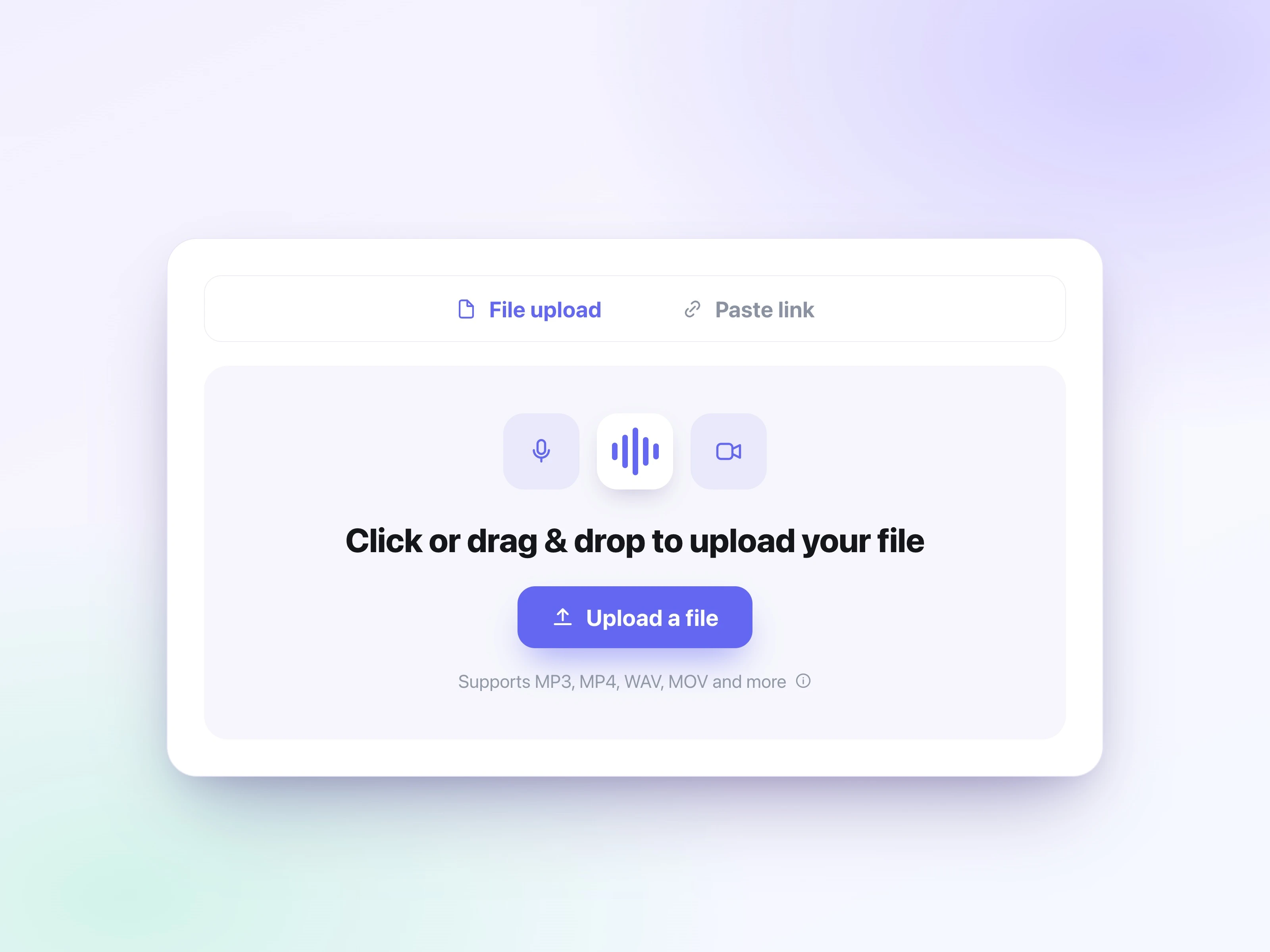
音声ファイルをアップロード
「ファイルを選択」ボタンをクリックして音声ファイルを選びます。大きなファイルでもすばやくアップロードできます。対応形式: mp3、mp4、mpeg、mpga、m4a、wav、webm、mov、aac、ogg、opus。
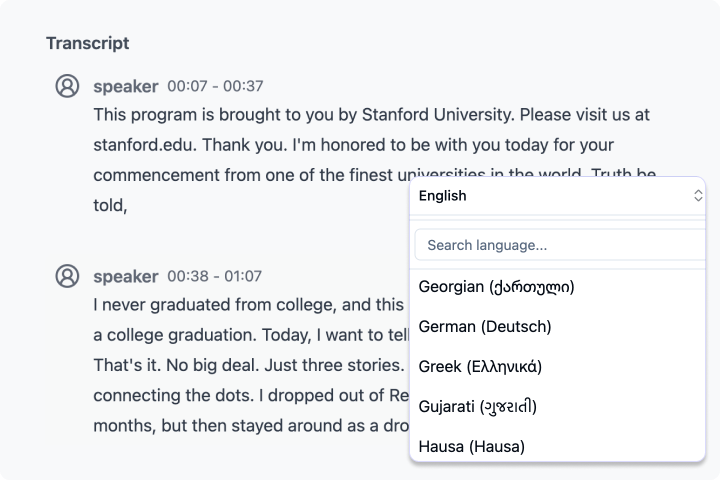
ギリシャ語を選択して文字起こしする
「文字起こし」ボタンをクリックし、UniScribe が音声ファイルを処理するまで数分待ちます。正しい言語を選ぶと文字起こし精度が向上します。1 時間の音声ファイルでも通常 1 分未満で処理できます。
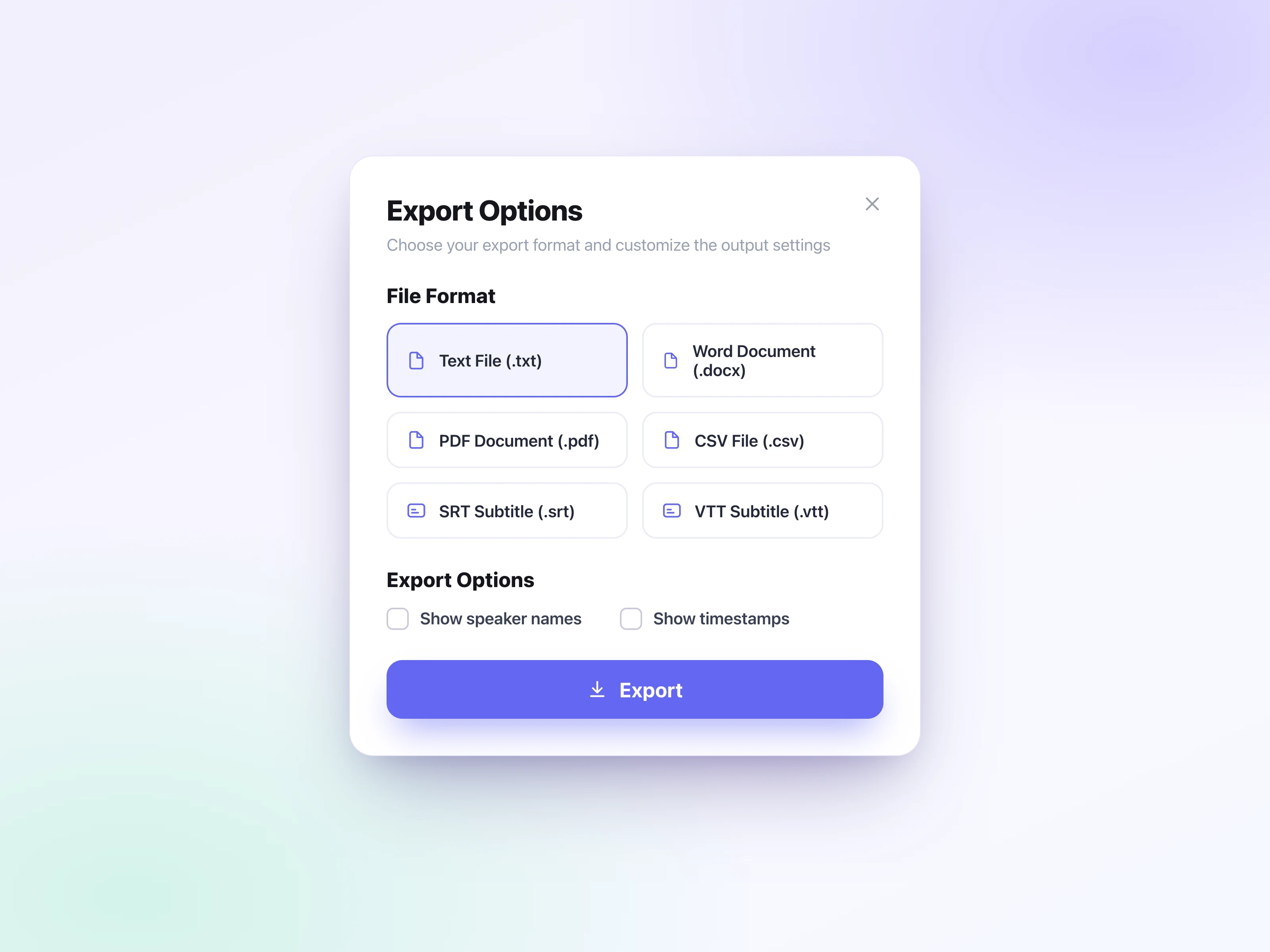
テキスト結果をエクスポート
「エクスポート」ボタンをクリックして希望の形式を選び、ファイルをデバイスに保存します。6 種類の形式に対応しています: srt(SubRip Subtitle)、vtt(WebVTT)、docx(Word Document)、txt、pdf、csv。
UniScribe を選ぶ3 つの理由
音声からテキストへの変換で大きな節約を実現するために少し投資しましょう
UniScribe は毎月 120 分の無料文字起こしを提供しており、1 日のファイル制限は 3 ファイルです。ファイルの長さやサイズの制限が少なく、多くの無料サービスより柔軟に使えます。 無料の文字起こし時間が足りない場合は、いつでも有料プランにアップグレードできます。価格は手頃で、詳細は料金ページで確認できます。
音声からテキストへの変換を超えたAI機能がさらに利用可能です
音声および動画ファイルから自動的に要約、マインドマップ、重要なポイントを生成し、長いコンテンツから最も重要な情報を迅速に抽出するのに役立ちます。 これは、音声および動画ファイルを定期的に扱う学者、学生、コンサルタント、弁護士、コンテンツクリエイターにとって、画期的なツールです!
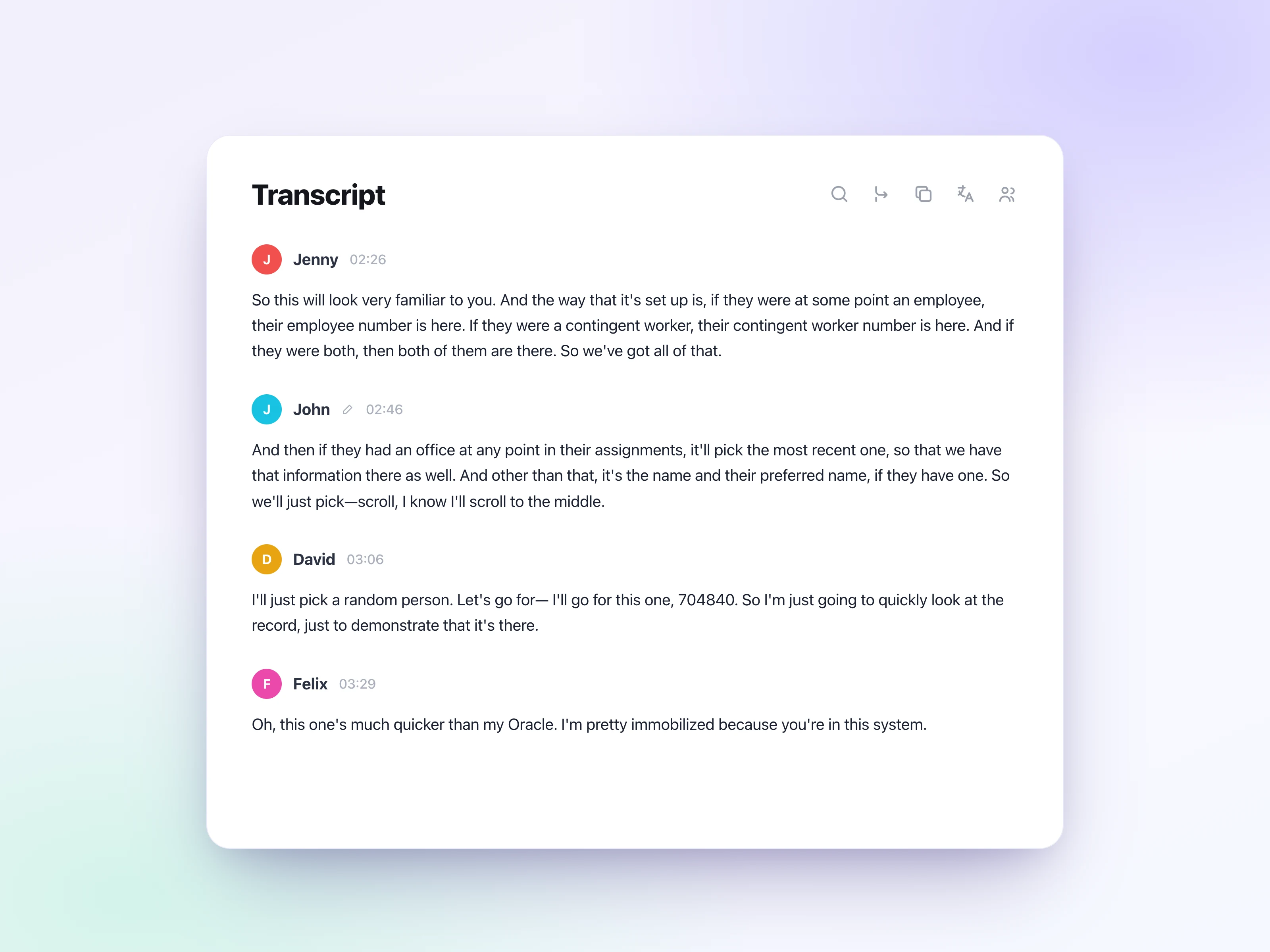
ギリシャ語音声を迅速かつ正確にテキストに変換
最適化されたWhisper Large モデルによって動作し、音声をより速く、より正確に文字起こしできます。通常、1 時間の音声ファイルは約1 分で文字起こしできます。 もちろん、最終的な文字起こしの品質は音声自体にも依存します。音質が良く、ノイズが少ないほど、常により良い結果が得られます。
ユーザーの声
短いボイスメモから長時間の録音まで、世界中のユーザーが UniScribe で音声と動画を実際に使えるテキストに変換しています。
UniScribe has become a part of my daily workflow, and I believe it should be in every content creators' toolbox. It's the best transcription tool I've ever used. The accuracy is amazing. The summary and FAQs that it creates with every transcription was a nice surprise, they allow me to actually create a valuable add-on to every podcast and video summary I upload to my membership site in not time at all. This has been one of my favorite AppSumo purchases. I give it 5 tacos! If you're on the fence about whether or not to purchase a UniScribe subscription, get off the fence and do it. It's a great value.
I’ve been searching for an alternative to subscription-based transcription apps and recorders, unsure if they’d truly boost my productivity as a teacher. UniScribe does exactly what it promises! I’ve recorded various things using the Voice Memo app on my phone, and simply dropping the file into UniScribe gives me a seamless transcription. I can file it, export it, and move on quickly. I’ve even created a shortcut on my iPhone for direct Chrome login, making access even faster. I had a minor login hiccup, but their support team resolved it quickly. The YouTube transcription feature is next-level – perfect for quick content checks as a teacher.
This tool is a key part of my stack. And the recent update where we can generate different summary types from the same transcript has taken the tool to another level! My key reason when I picked up this tool was to make mind maps from the videos. And this tool keeps delivering on that. The processing speed, quality of transcript, multiple sources, and ability to replay audio later—I mean, can it get more valuable than this?
手頃な価格設定
音声と動画を簡単に文字起こしして時間を節約し、重要な作業に集中できます。
よくある質問
はい。
- 月額サブスクリプション: 現在の請求期間中に文字起こし時間を使用していない場合、その請求期間の返金をリクエストできます。
- 年間サブスクリプション: 未使用のサブスクリプションの部分は、サブスクリプション期間の残りの時間に基づいて按分計算された金額で返金できます。
返金の対象であるとお考えの場合は、[email protected]までご連絡ください。喜んでお手伝いさせていただきます。