精准的音频转文字
将音频文件转换为整洁、可编辑的文字稿,自动添加标点、时间戳和排版,让长录音更易于回顾。

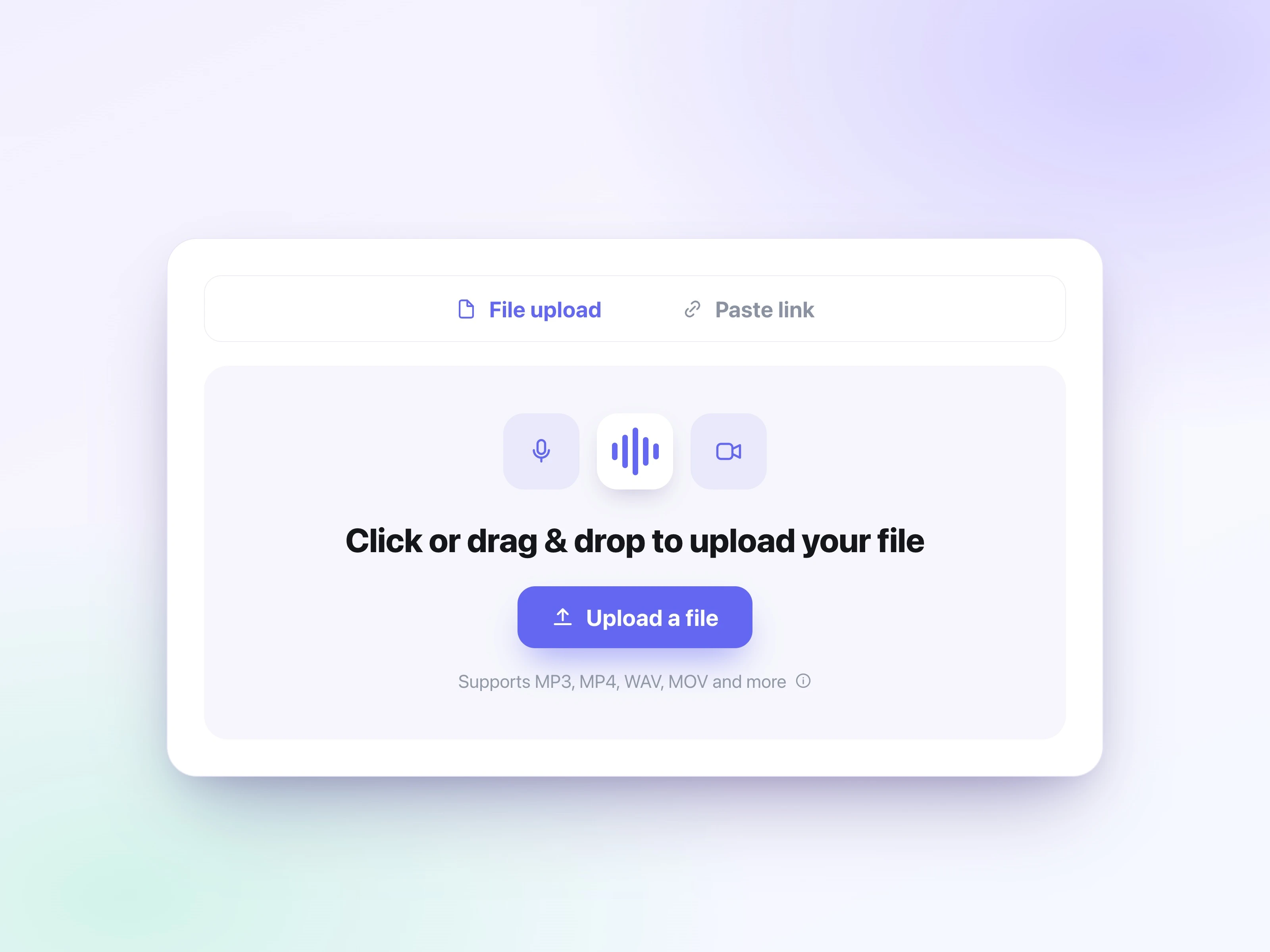
从你的设备上传 MP3、M4A、WAV、WebM 或其他音频文件。UniScribe 让流程保持简单,无需安装软件即可开始音频转文字。
选择转写设置,然后开始将音频转文字。AI 转写引擎会检测语音,并把音频文件转换为可编辑的文字稿。
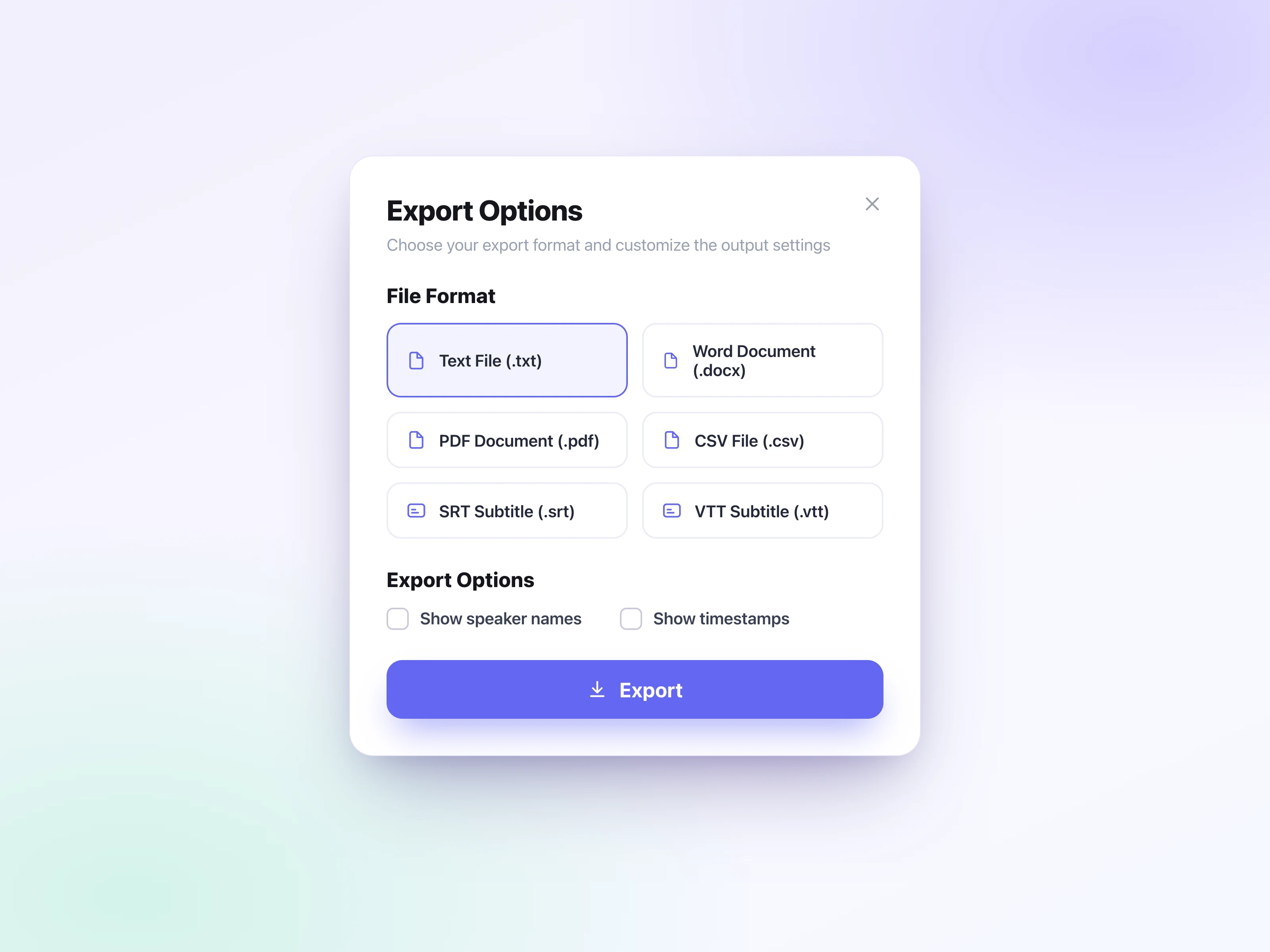
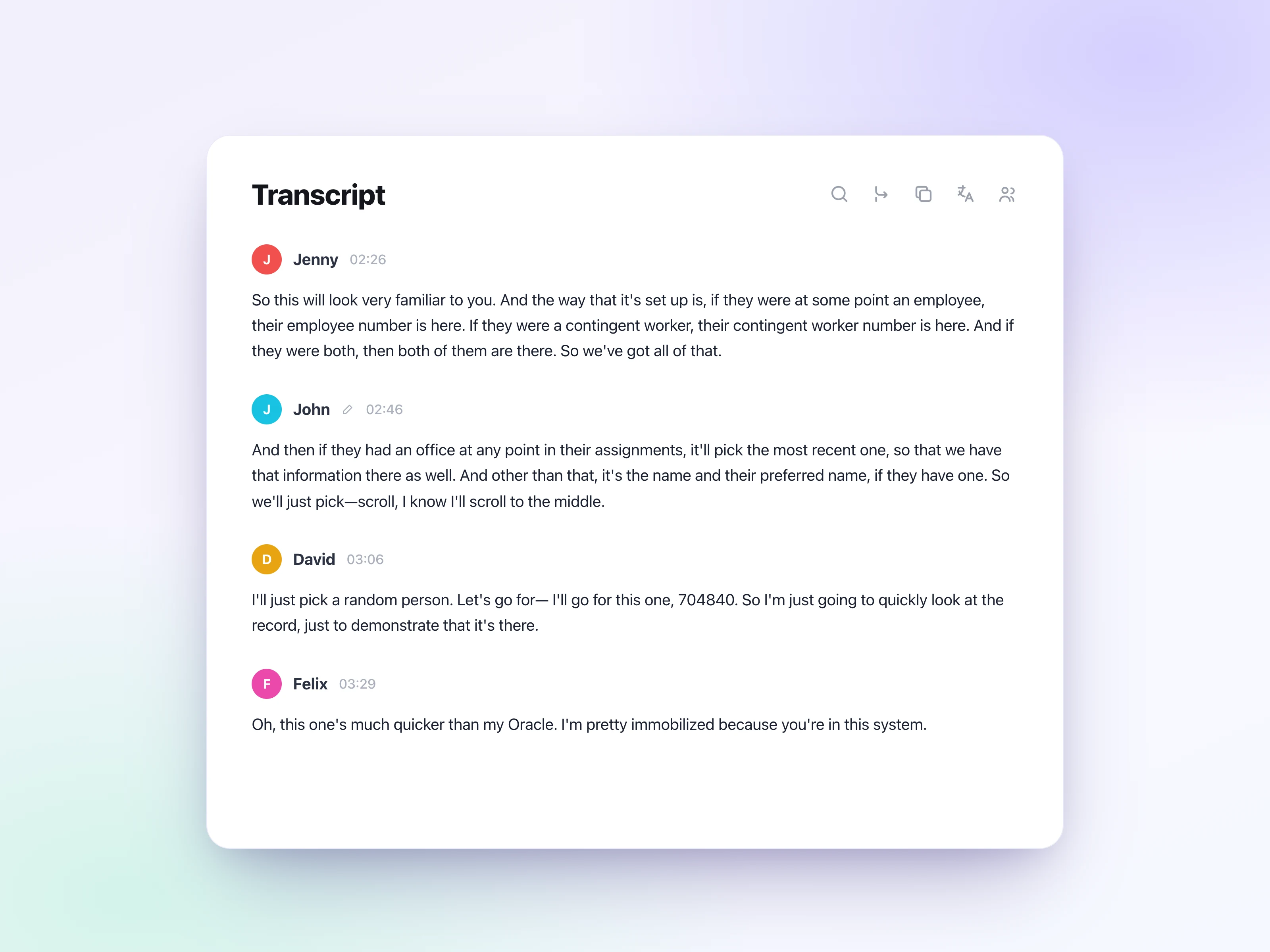
查看文字稿,生成摘要或思维导图,并将结果导出为 TXT、PDF、DOCX、SRT、VTT、CSV 或可分享的链接。
免费在线将音频转文字,支持 60+ 种语言、15+ 种音频格式,可导出 6 种格式,并提供 AI 摘要、思维导图和翻译功能。
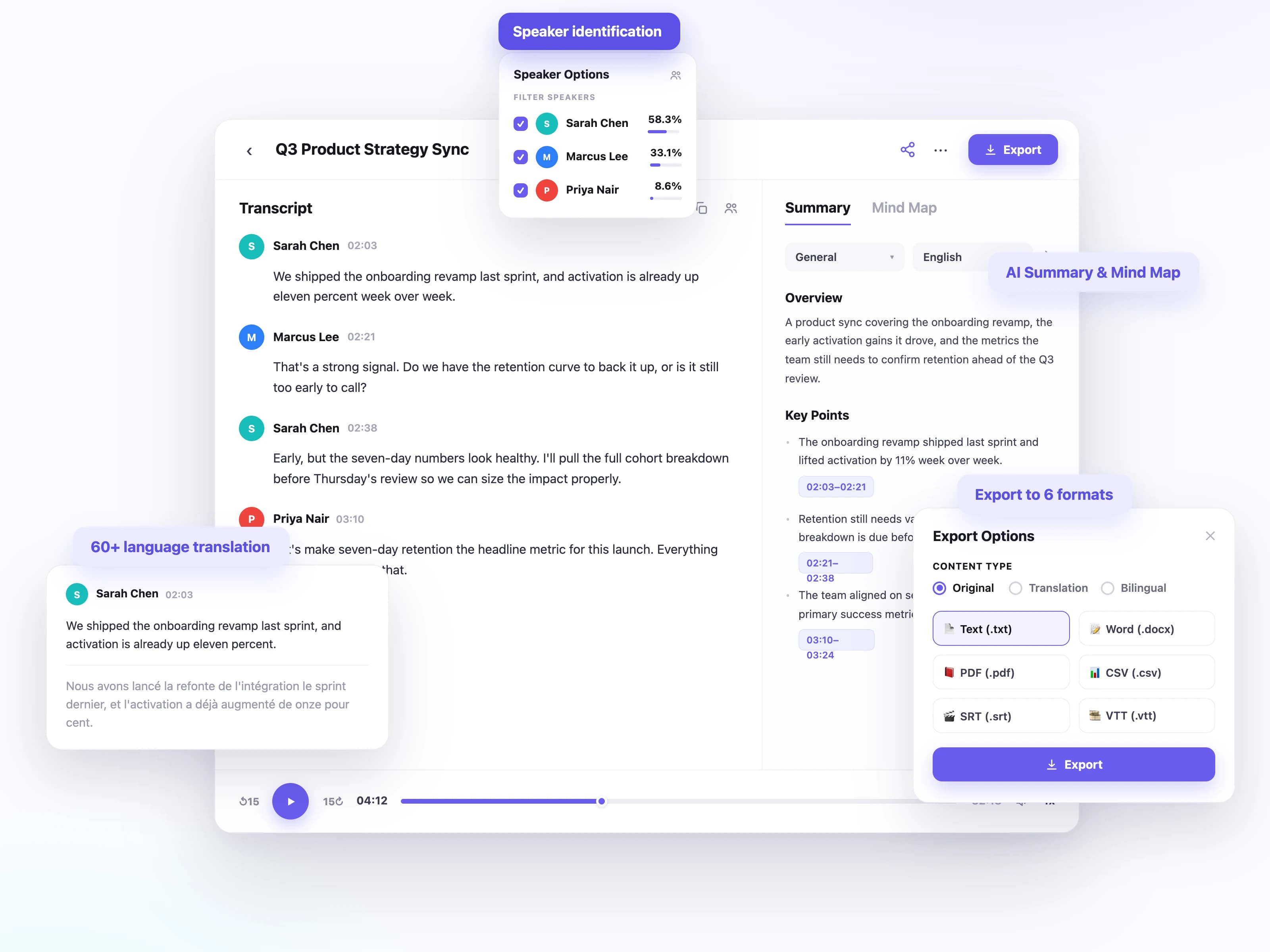
将音频文件转换为整洁、可编辑的文字稿,自动添加标点、时间戳和排版,让长录音更易于回顾。
为全球会议、访谈、讲座、播客和语音备忘录生成多语言文字稿,支持主流语言及各类地区使用场景。
识别会议、访谈、论坛和播客中的不同说话人,让对话的每一部分都清晰明了、易于跟进。
可将音频文字稿下载为 TXT、DOCX、PDF、SRT、VTT 或 CSV,无论你需要文档、字幕文件、存档还是可分享的文本,都能满足。
将音频文字稿翻译成另一种语言,同时保留原始录音的含义与结构。
从音频文字稿中生成摘要、行动项、思维导图和关键洞见,让你更快抓住重点。
从访谈到讲座,各行各业的人都会把录音转成可搜索、可引用、可复用的文字。
他们为什么需要
访谈和新闻发布会往往要在截稿前,快速拿到准确、可引用的文字稿。
他们如何使用
上传访谈音频,获得带时间戳和说话人标注的文字稿,无需反复回放录音即可摘录精确引语。
他们为什么需要
一期节目要变成节目笔记、博客文章、字幕和社交短片。
他们如何使用
只需转写一次节目,生成摘要,即可把文字内容复用到各个渠道。
他们为什么需要
考试前仅靠音频回顾冗长的讲座并不容易。
他们如何使用
录下讲座,转换为可搜索的笔记,再把重点整理成复习摘要。
他们为什么需要
会议和通话一结束,决策与行动项往往就此遗失。
他们如何使用
录制会议,识别每位说话人,并导出带清晰行动项的会议纪要。
从几十秒的语音备忘到数小时的长录音,世界各地的用户都在用 UniScribe 把音视频转成真正能用的文字。
UniScribe has become a part of my daily workflow, and I believe it should be in every content creators' toolbox. It's the best transcription tool I've ever used. The accuracy is amazing. The summary and FAQs that it creates with every transcription was a nice surprise, they allow me to actually create a valuable add-on to every podcast and video summary I upload to my membership site in not time at all. This has been one of my favorite AppSumo purchases. I give it 5 tacos! If you're on the fence about whether or not to purchase a UniScribe subscription, get off the fence and do it. It's a great value.
I’ve been searching for an alternative to subscription-based transcription apps and recorders, unsure if they’d truly boost my productivity as a teacher. UniScribe does exactly what it promises! I’ve recorded various things using the Voice Memo app on my phone, and simply dropping the file into UniScribe gives me a seamless transcription. I can file it, export it, and move on quickly. I’ve even created a shortcut on my iPhone for direct Chrome login, making access even faster. I had a minor login hiccup, but their support team resolved it quickly. The YouTube transcription feature is next-level – perfect for quick content checks as a teacher.
This tool is a key part of my stack. And the recent update where we can generate different summary types from the same transcript has taken the tool to another level! My key reason when I picked up this tool was to make mind maps from the videos. And this tool keeps delivering on that. The processing speed, quality of transcript, multiple sources, and ability to replay audio later—I mean, can it get more valuable than this?
轻松转录音频和视频,为您节省时间,帮助您专注于重要事项
是。
如果您认为您符合退款资格,请通过 [email protected] 联系我们,我们将竭诚为您服务。