Accurate Video to Text Conversion with Timestamps
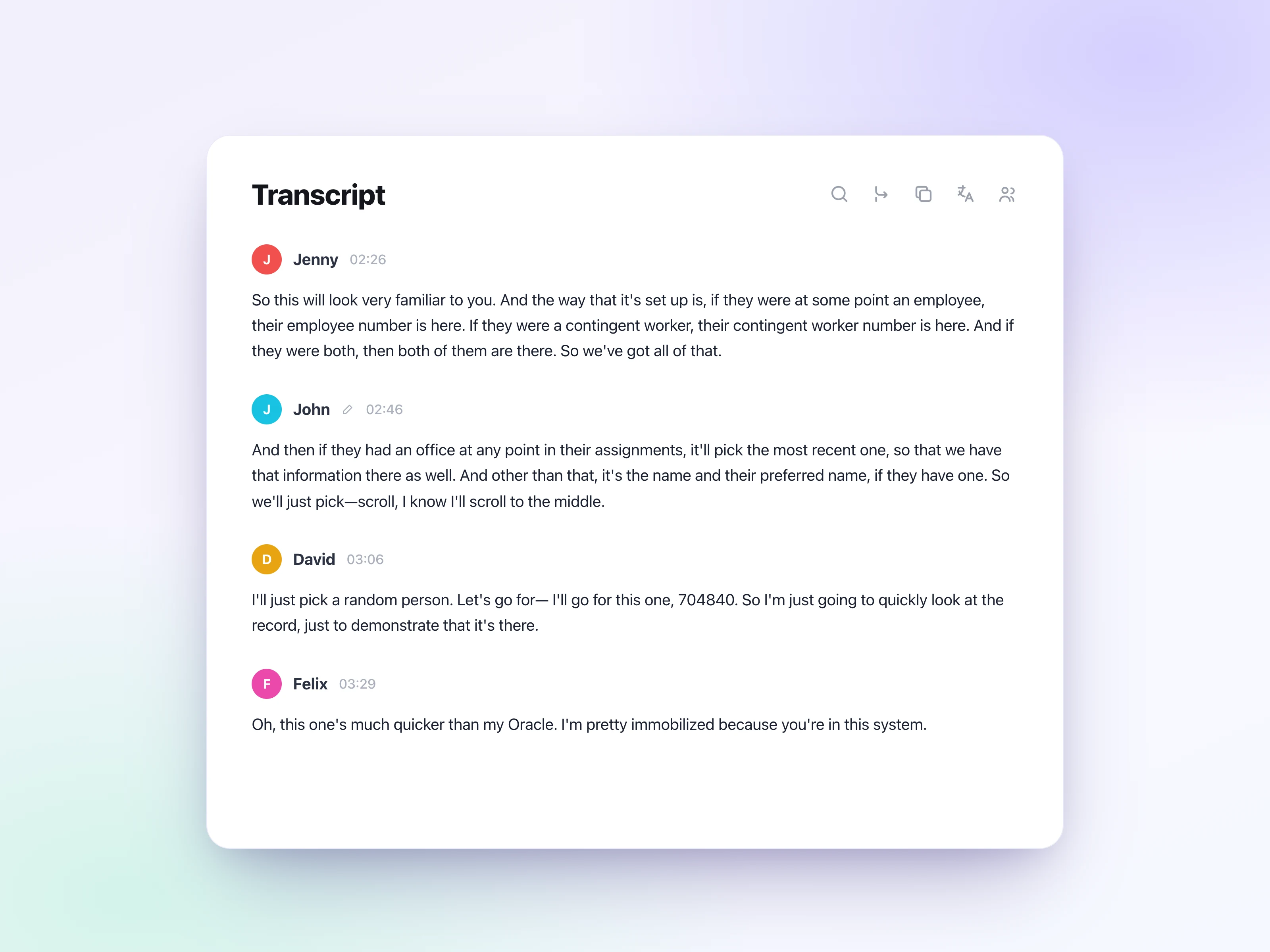
Convert video to text and get a clean, editable transcript with punctuation and timestamps, so you can see exactly when each line was said in the video.

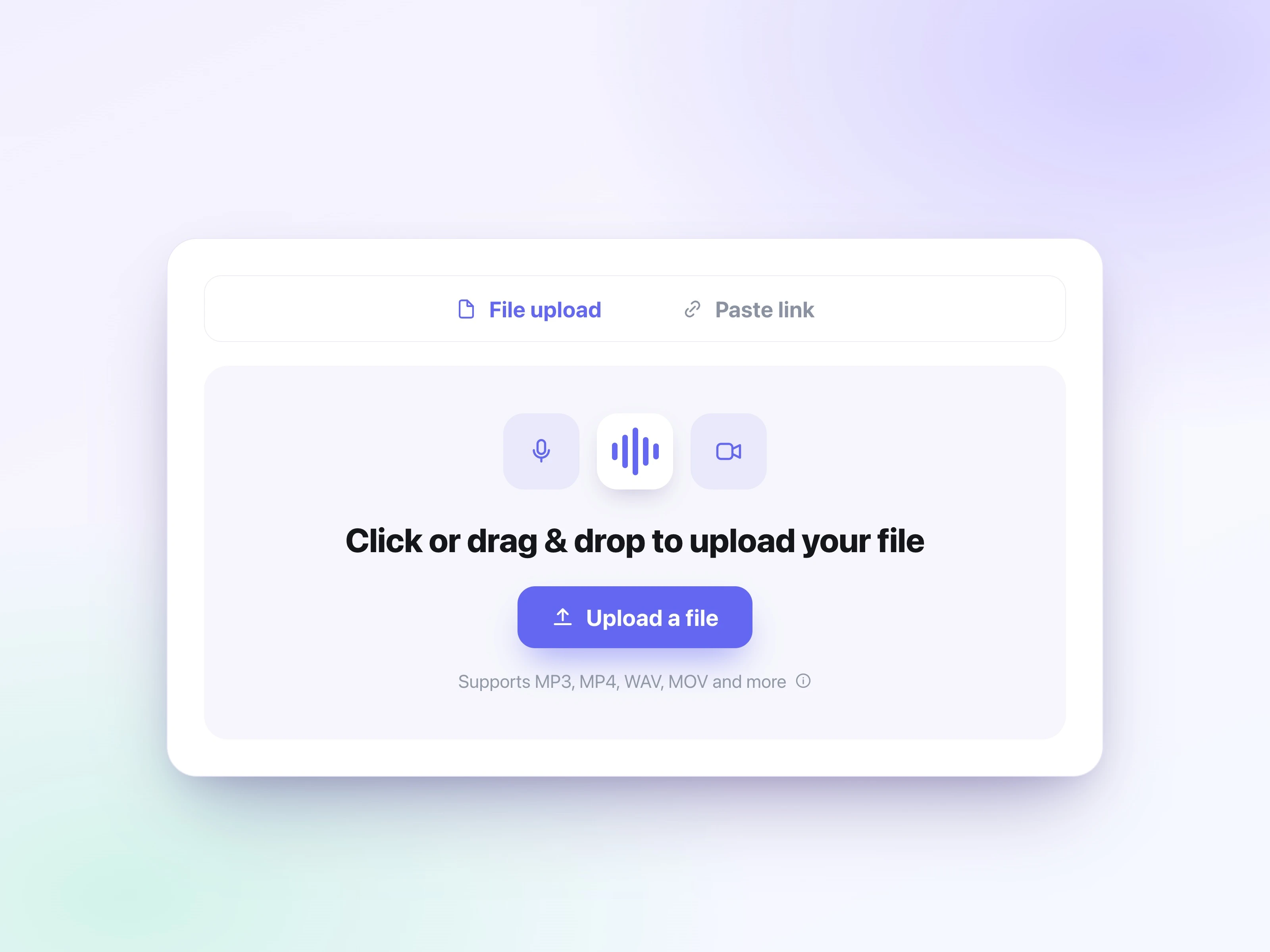
Drag and drop an MP4, MOV, WebM, MKV, or other video file straight from your device. Screen recordings, lecture videos, and videos from your phone all work. Upload up to 5GB and start the video to text conversion right in your browser.
Pick your transcription settings and start converting the video to text. UniScribe reads the audio track directly from the video file, so you don't have to extract the audio or convert the format first.
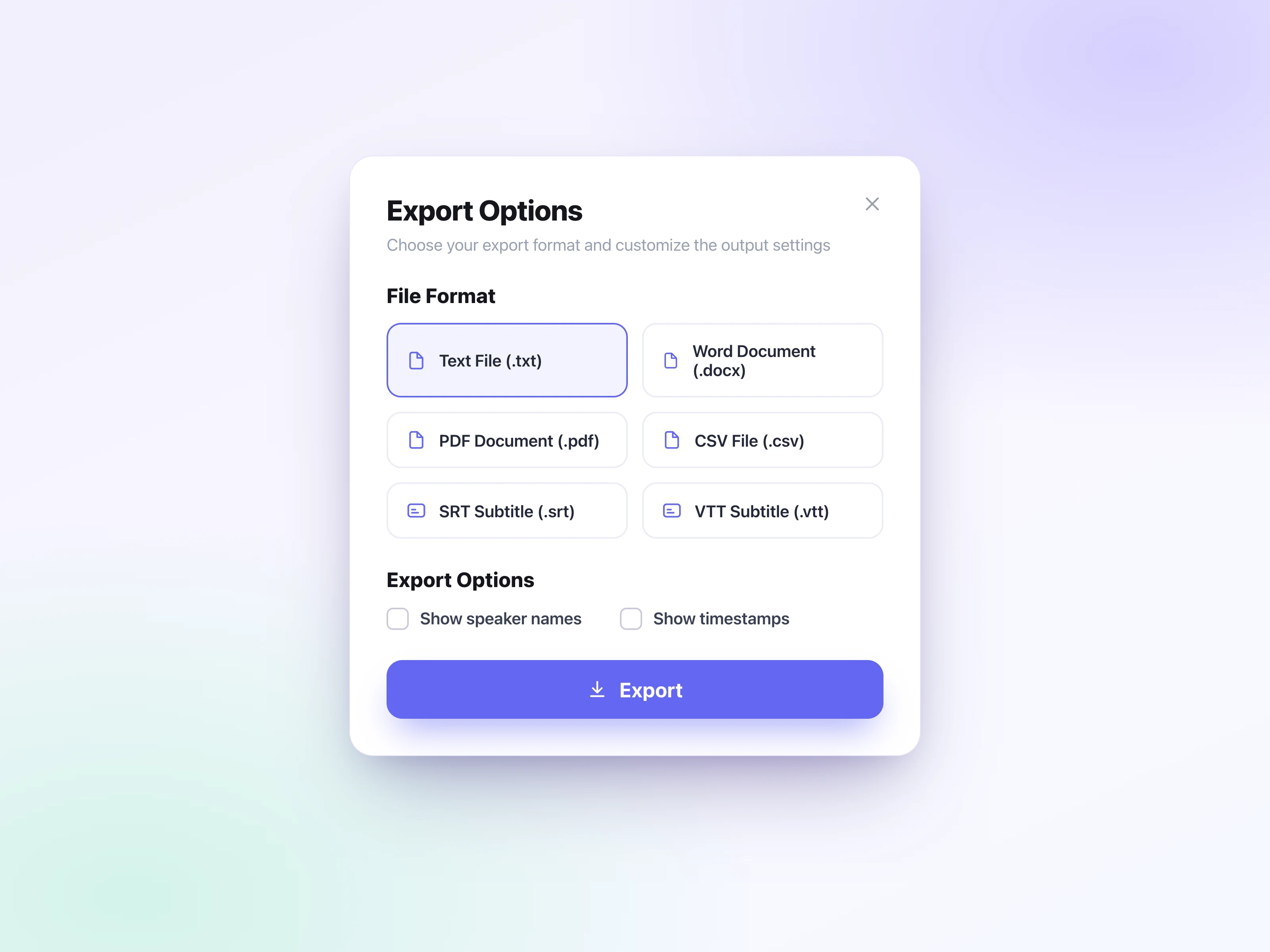
Edit the transcript in the built-in editor, then export it as SRT or VTT subtitles for YouTube or your video editor, or as a TXT, DOCX, PDF, or CSV document. You can also share the transcript as a link.
Convert video to text online for free. Turn MP4, MOV, WebM, and more into editable transcripts and SRT/VTT subtitles in 63 languages, with AI summaries.
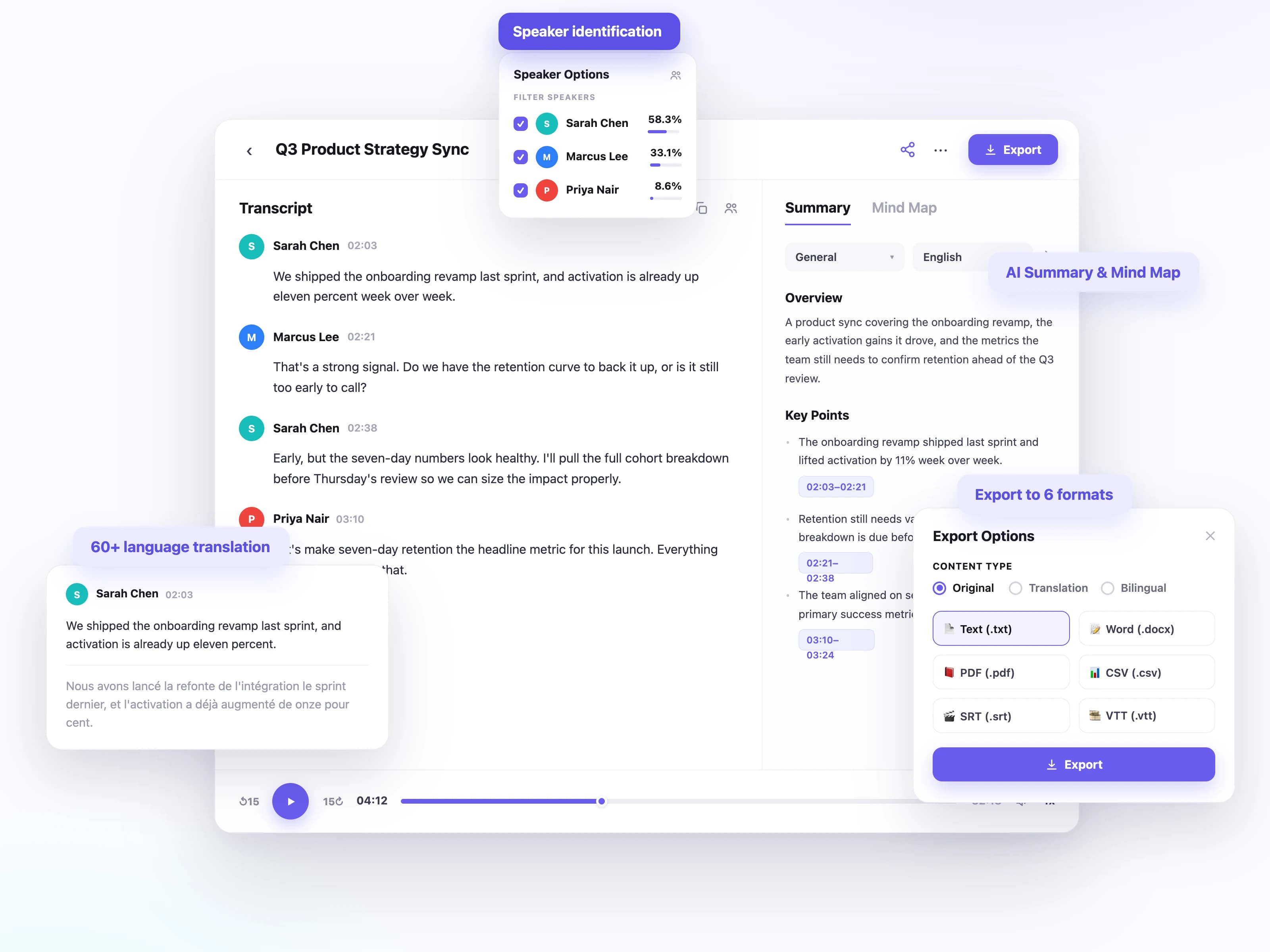
Convert video to text and get a clean, editable transcript with punctuation and timestamps, so you can see exactly when each line was said in the video.
Convert videos to text in 63 languages, whether it's an English tutorial or a meeting, lecture, or online course recorded in another language.
When a video has more than one person talking, like panel discussions, interviews, and recorded meetings, each speaker gets a label so you always know who said what.
Turn the transcript into SRT or VTT captions ready for YouTube and video editors, or download TXT, DOCX, PDF, and CSV when you need a document instead.
Translate the transcript into another language, so you can add subtitles in that language or share the content with more viewers.
Turn an hour-long video into a short summary, mind map, and key takeaways, so you can get the main points without watching the whole thing.
From lectures to product demos, people across every field use a video to text converter to make their videos easy to search, quote, and reuse.
Why they need it
Every video needs captions, descriptions, and repurposed posts to reach a wider audience.
How they use it
Transcribe the video once, export SRT or VTT subtitles, and turn the transcript into blog posts and social content.
Why they need it
Recorded lectures and course videos are hard to review when you have to skip around to find one point.
How they use it
Convert lecture videos into searchable notes, then generate summaries and mind maps for faster review.
Why they need it
Recorded meetings, webinars, and training videos bury decisions and key details.
How they use it
Transcribe the recording, identify each speaker, and share minutes or highlights with the team.
Why they need it
Filmed interviews and focus groups take hours to quote and analyze from raw footage.
How they use it
Upload the recording, get a timestamped transcript with speaker labels, and pull exact quotes for analysis.
From short voice notes to long-form recordings, people around the world use UniScribe to turn audio and video into text they can actually work with.
UniScribe has become a part of my daily workflow, and I believe it should be in every content creators' toolbox. It's the best transcription tool I've ever used. The accuracy is amazing. The summary and FAQs that it creates with every transcription was a nice surprise, they allow me to actually create a valuable add-on to every podcast and video summary I upload to my membership site in not time at all. This has been one of my favorite AppSumo purchases. I give it 5 tacos! If you're on the fence about whether or not to purchase a UniScribe subscription, get off the fence and do it. It's a great value.
I’ve been searching for an alternative to subscription-based transcription apps and recorders, unsure if they’d truly boost my productivity as a teacher. UniScribe does exactly what it promises! I’ve recorded various things using the Voice Memo app on my phone, and simply dropping the file into UniScribe gives me a seamless transcription. I can file it, export it, and move on quickly. I’ve even created a shortcut on my iPhone for direct Chrome login, making access even faster. I had a minor login hiccup, but their support team resolved it quickly. The YouTube transcription feature is next-level – perfect for quick content checks as a teacher.
This tool is a key part of my stack. And the recent update where we can generate different summary types from the same transcript has taken the tool to another level! My key reason when I picked up this tool was to make mind maps from the videos. And this tool keeps delivering on that. The processing speed, quality of transcript, multiple sources, and ability to replay audio later—I mean, can it get more valuable than this?
Effortlessly transcribe audio and video, saving you time and helping you focus on what matters
Yes.
If you believe you are eligible for a refund, please contact us at [email protected] and we will be happy to help.