Meeting & Call Recordings
Turn Zoom, Teams, or phone call recordings into searchable notes. Speaker recognition labels who said what, so decisions and action items never get lost in the audio.

UniScribe lets you upload audio and video files or paste YouTube Links, quickly turning them into text with AI. It also creates summaries, mind maps, and key questions, and lets you export the text in different formats.
Upload audio and video files from your local device or simply paste an online video link.

Click 'Transcribe' and wait for transcribing. It usually takes less than a minute to transcribe a 1-hour file.
Export transcribed text in various formats(txt, pdf, docx, srt, csv, vtt) or share a link to view it directly
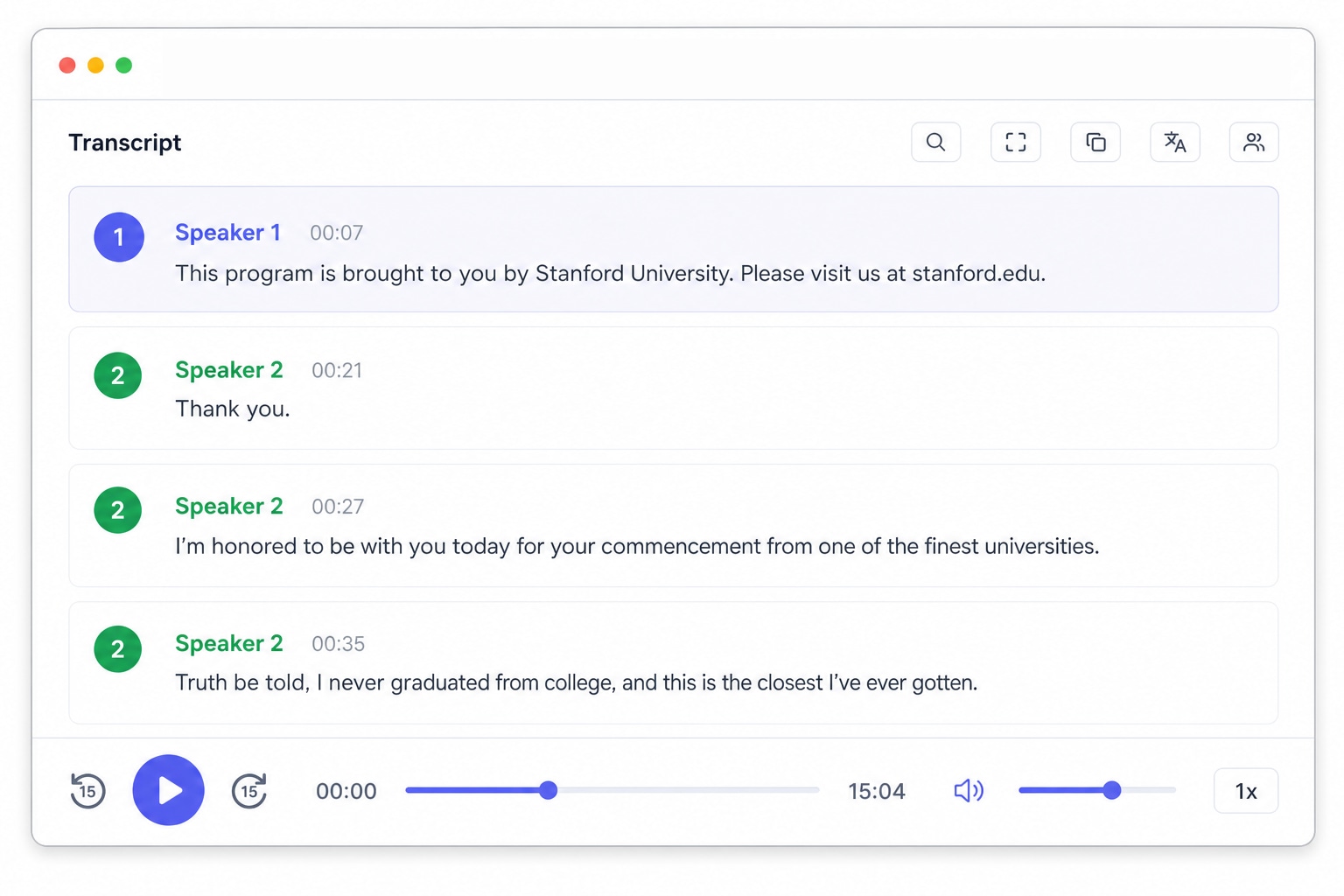
With AI technology, you can quickly turn your audio and video files into text in just a few minutes. It supports 60+ languages and a range of formats
Try It Free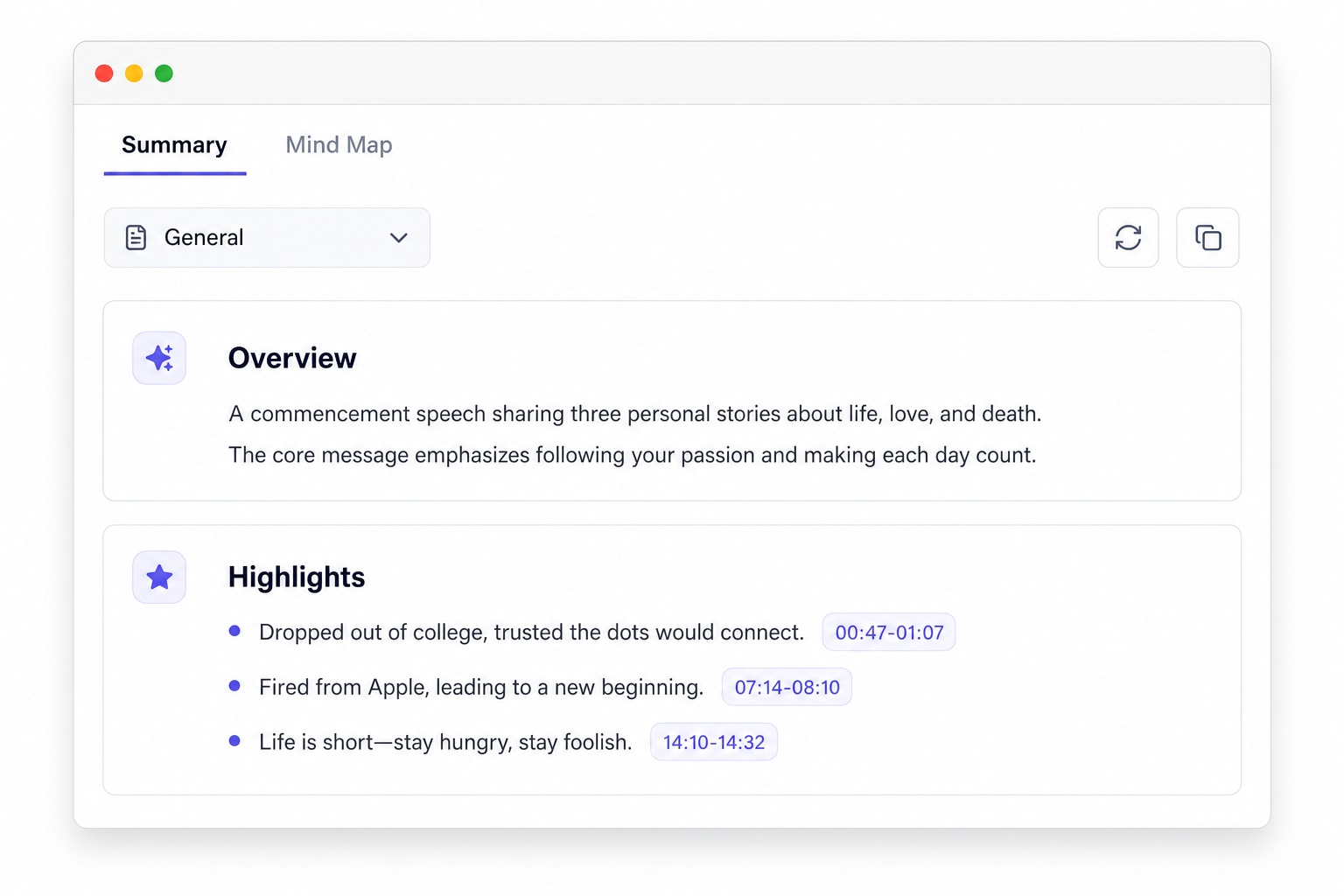
Automatically generate short summaries and visual mind maps of your audio and video content. Export these maps for easy sharing and highlight key questions and answers to focus on what's important.
Try It Free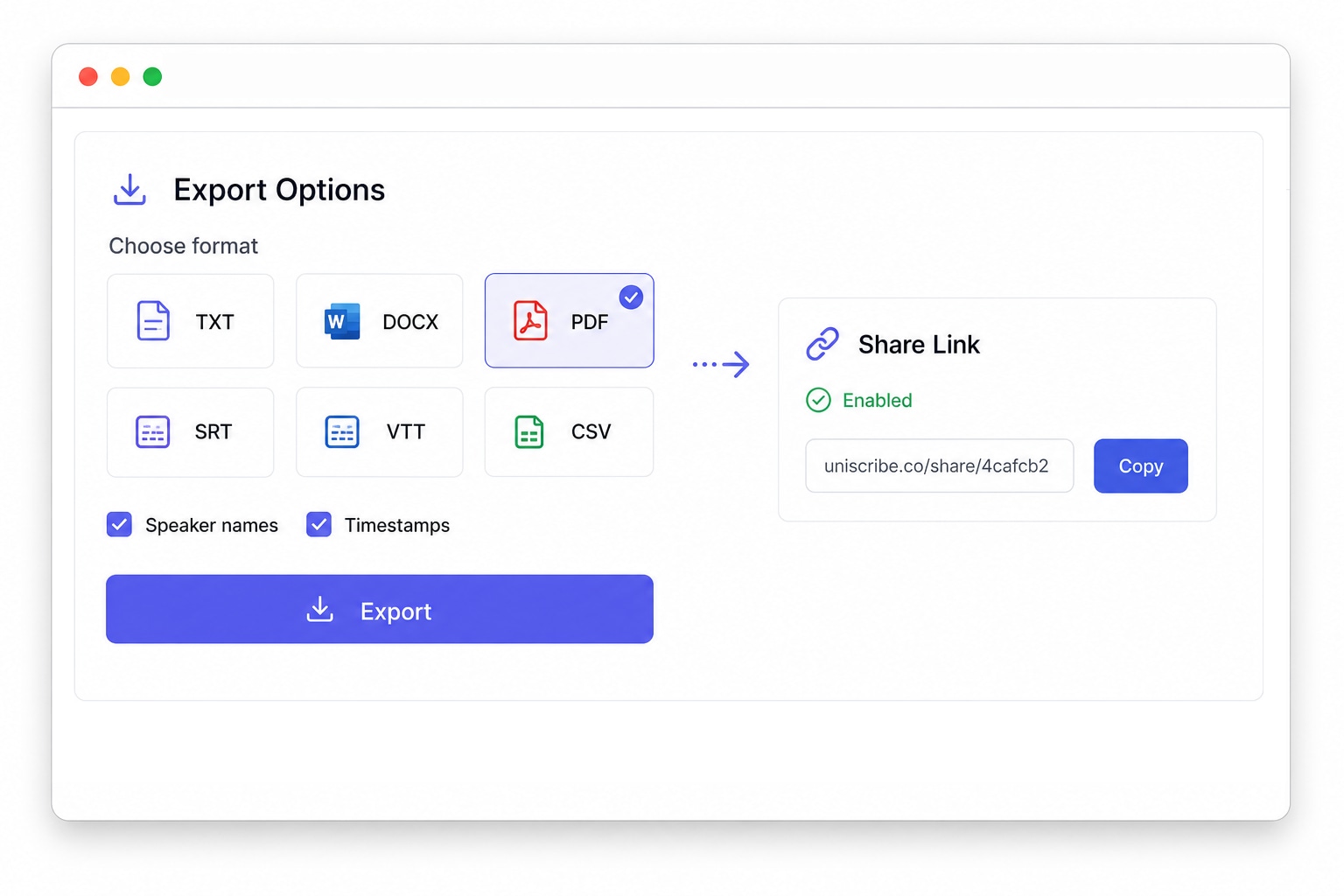
Export transcribed text in various formats, including txt, docx, pdf, srt, vtt, and csv. You can also share a link for others to view the transcript directly.
Try It FreeWhether it's a voice memo on your phone, an hour-long meeting recording, or an online video, UniScribe converts your video and audio to text in minutes and gives you an accurate, searchable transcript. MP3, WAV, M4A, MP4, MOV and 20+ other formats are supported.
Turn Zoom, Teams, or phone call recordings into searchable notes. Speaker recognition labels who said what, so decisions and action items never get lost in the audio.
Transcribe interview audio to text with timestamps. Quote your sources accurately and jump back to the exact moment instead of scrubbing through the whole recording.
Convert podcast audio to text for show notes, blog posts, and quotable snippets. A full transcript also makes every episode searchable for your audience.
That idea you recorded on a walk? Convert voice memos from your phone into clean text notes you can actually search, edit, and share.
Turn recorded lectures and course videos into study notes. AI summaries and key points help you review hours of material in minutes.
Paste a YouTube link and get the video transcript without downloading anything. Perfect for research, subtitles, and repurposing video content.
Below are the main languages we support for transcription and subtitles
From short voice notes to long-form recordings, people around the world use UniScribe to turn audio and video into text they can actually work with.
UniScribe has become a part of my daily workflow, and I believe it should be in every content creators' toolbox. It's the best transcription tool I've ever used. The accuracy is amazing. The summary and FAQs that it creates with every transcription was a nice surprise, they allow me to actually create a valuable add-on to every podcast and video summary I upload to my membership site in not time at all. This has been one of my favorite AppSumo purchases. I give it 5 tacos! If you're on the fence about whether or not to purchase a UniScribe subscription, get off the fence and do it. It's a great value.
I’ve been searching for an alternative to subscription-based transcription apps and recorders, unsure if they’d truly boost my productivity as a teacher. UniScribe does exactly what it promises! I’ve recorded various things using the Voice Memo app on my phone, and simply dropping the file into UniScribe gives me a seamless transcription. I can file it, export it, and move on quickly. I’ve even created a shortcut on my iPhone for direct Chrome login, making access even faster. I had a minor login hiccup, but their support team resolved it quickly. The YouTube transcription feature is next-level – perfect for quick content checks as a teacher.
This tool is a key part of my stack. And the recent update where we can generate different summary types from the same transcript has taken the tool to another level! My key reason when I picked up this tool was to make mind maps from the videos. And this tool keeps delivering on that. The processing speed, quality of transcript, multiple sources, and ability to replay audio later—I mean, can it get more valuable than this?
Effortlessly transcribe audio and video, saving you time and helping you focus on what matters
Yes.
If you believe you are eligible for a refund, please contact us at [email protected] and we will be happy to help.