AI transcription tuned for Portuguese
Speech is transcribed into a clean, punctuated Portuguese transcript first, because everything the translation gets right depends on getting this step right.


Translate Portuguese audio to English text online free. UniScribe transcribes your Portuguese audio, then translates it into English text you can export.
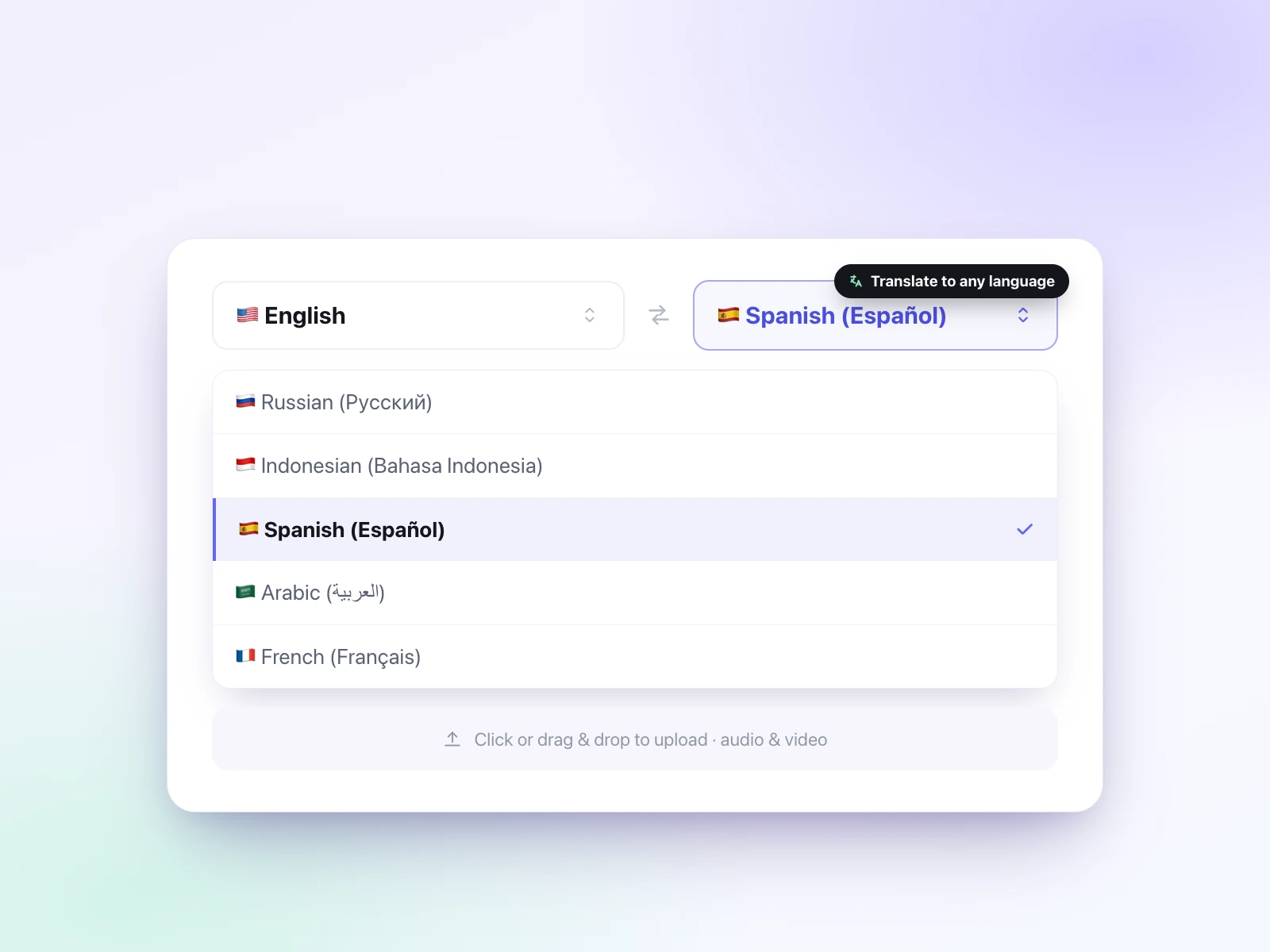
The Portuguese source and English target are already selected, so just drop in the Portuguese audio you want to translate to English text.
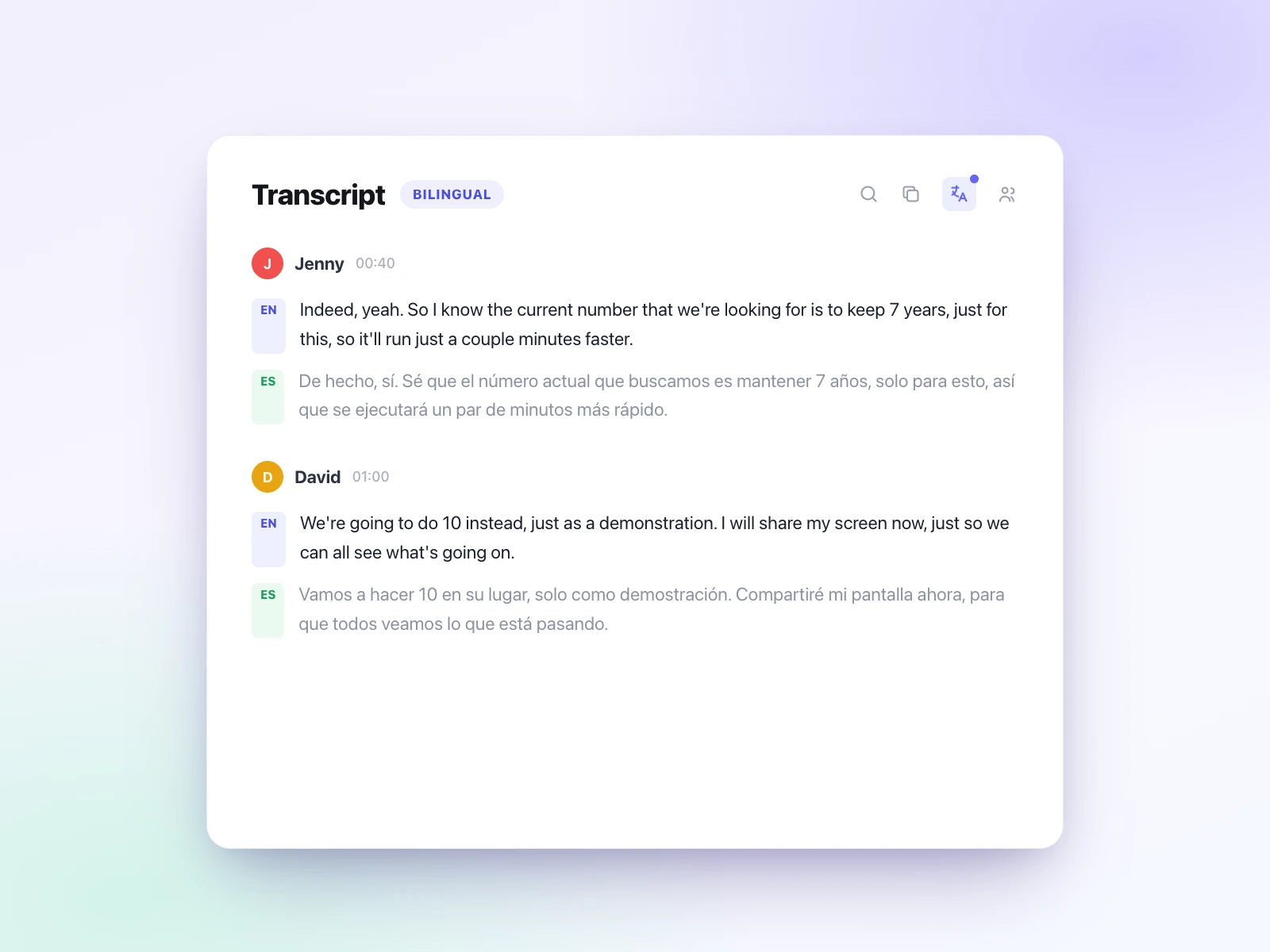
UniScribe transcribes the spoken Portuguese into an accurate transcript, then translates that transcript into English text.
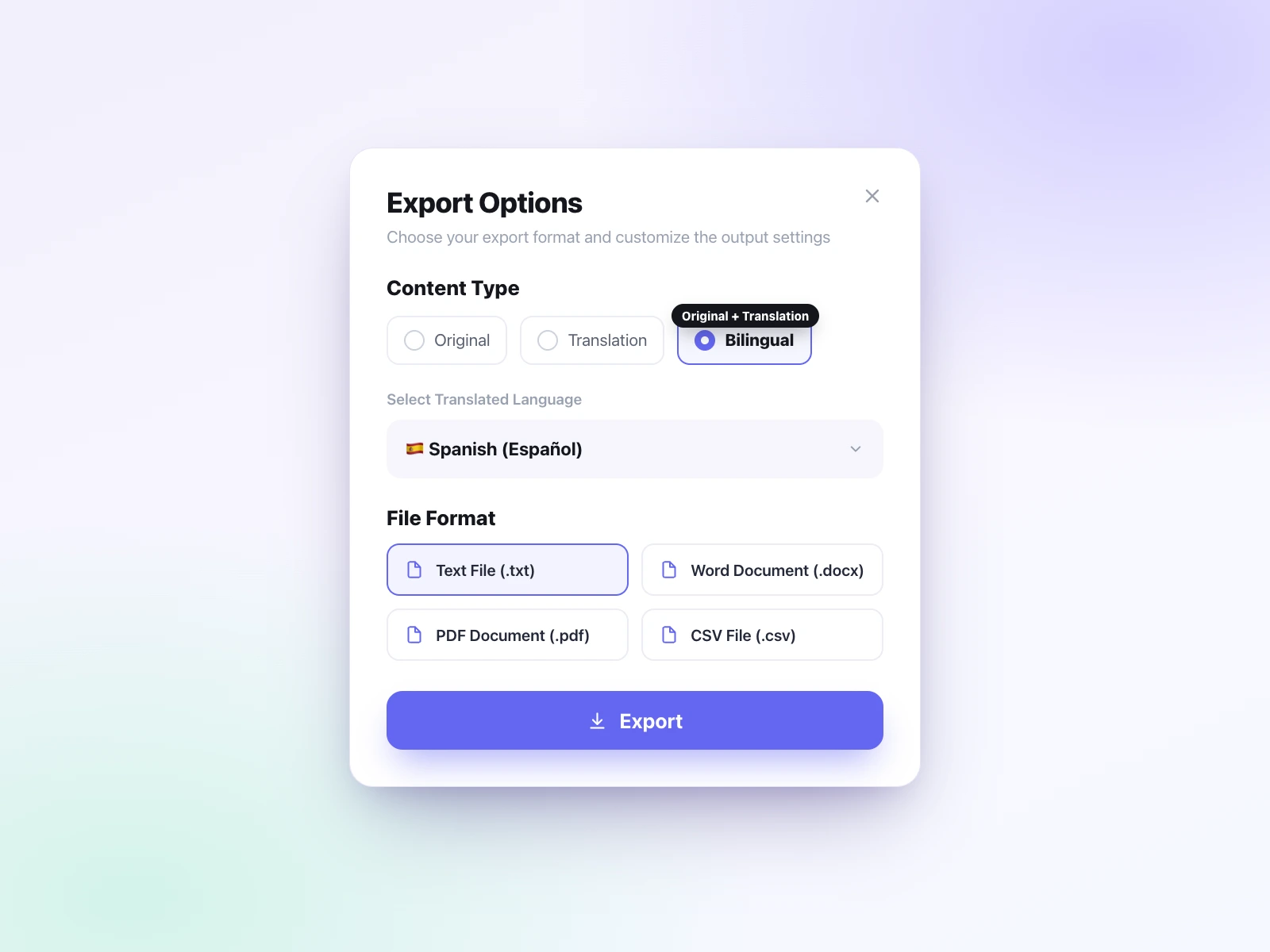
Edit the English text, then export it as TXT, DOCX, PDF, SRT, VTT, or CSV.
Portuguese drops its subjects, fuses its little words together, and sounds noticeably different in Lisbon and São Paulo. All of that has to be untangled before it reads cleanly in English. That is why UniScribe splits translating Portuguese audio to English into two steps: it transcribes your Portuguese audio into an accurate transcript first, then translates that transcript into English text you can edit, export, and share. Translate Portuguese audio to English text in minutes, free to start.
Source language
Target language
Portuguese-to-English translation has to spell out what Portuguese compresses. Four differences shape every result.
The verb ending already says who is acting, so the pronoun is usually left out and English has to restore it.
Words that look English often mean something else, and translating them literally is the most common source of errors.
Everyday vocabulary and even the way people say 'you' differ across the Atlantic, so the same object can arrive under two names.
Prepositions and articles contract into single short words that English has to unpack again.
See it in action
Portuguese
Pretendemos rever o orçamento esta semana e discutiremos os resultados na próxima reunião.
English
We intend to review the budget this week, and we'll discuss the results at the next meeting.
This example highlights:Subjects live in the verb · False friends · Little words fuse together
Those differences are why a single word-for-word pass falls short. UniScribe is built to translate audio accurately: it translates Portuguese audio to English in two AI steps, transcribing the Portuguese audio first, then translating that full transcript into English with the surrounding context intact.
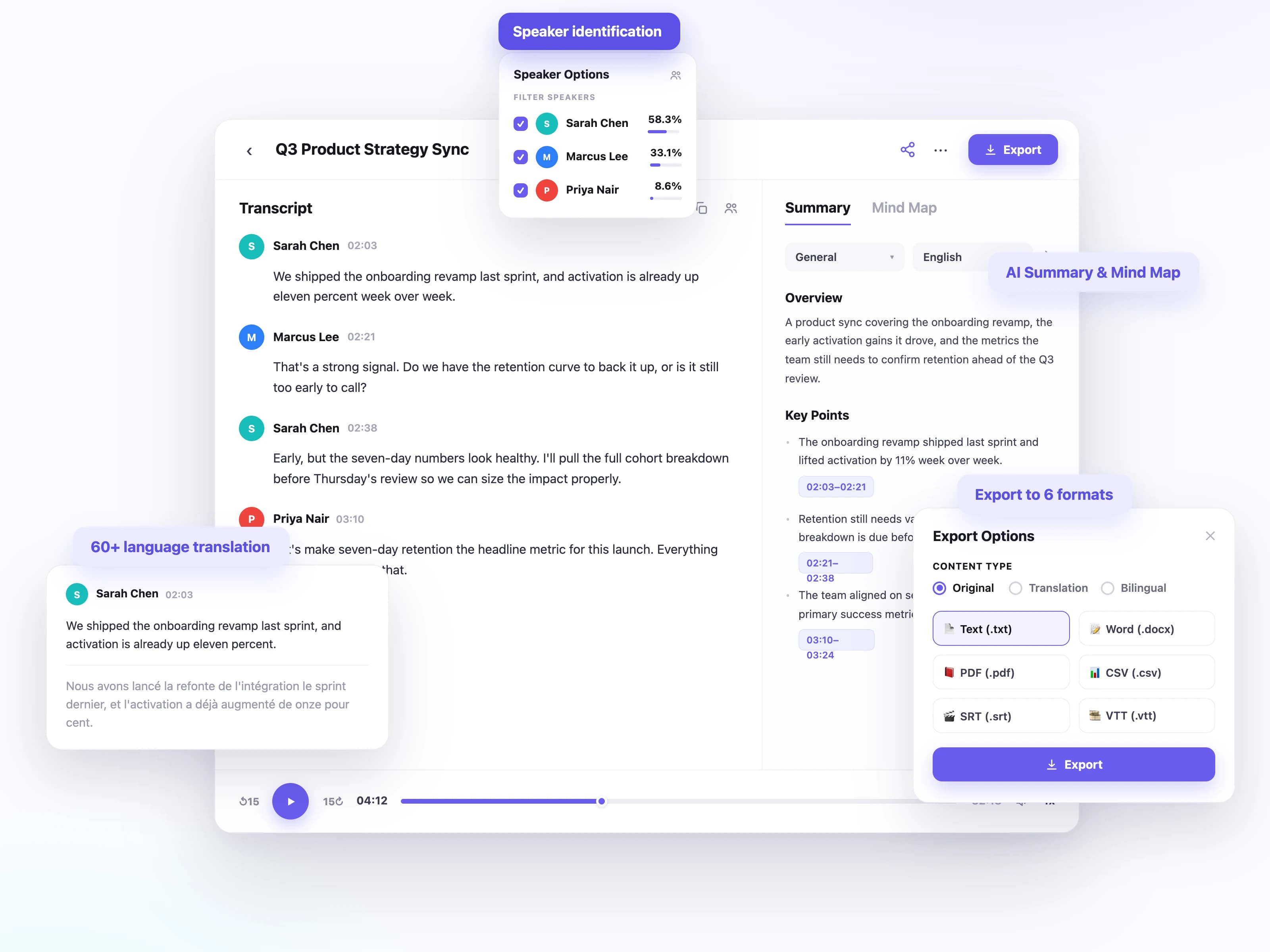
Speech is transcribed into a clean, punctuated Portuguese transcript first, because everything the translation gets right depends on getting this step right.
The whole transcript is translated with its context, so English tense, subjects, and word order come out as real sentences rather than a literal gloss.
Transcribe in 60+ languages and translate between them, so the same workflow covers whatever recording lands on your desk next.
Meetings and interviews stay readable. Each speaker is labelled, so the English transcript still shows who said what.
Download the English text as TXT, DOCX, PDF, SRT, VTT, or CSV, whether you need a document, subtitles, or a shareable link.
Turn a long recording into key points, action items, and mind maps so you can act on it without reading every line.
Audio recordings are rarely studio-clean: they are meetings, calls, and voice notes. UniScribe is built for Portuguese as it is actually spoken.
Multi-voice recordings like meetings and interviews keep who said what, and the labels carry into the English text.
From conference-room recordings to phone calls and podcast episodes, long recordings stay organized and readable.
Upload MP3, WAV, M4A, and more; large files are fine, with no conversion needed.
Each segment is timestamped, so you can check the English text against the original audio in seconds.
Focus groups and user interviews recorded in Portuguese, read by an English-speaking team without waiting on an agency.
Keep an English record of what was agreed on a Portuguese call, decisions and deadlines included.
Portuguese episodes and videos become English text you can build subtitles, notes, and posts on top of.
Portuguese lectures and interviews turned into English text you can search, quote, and cite.
From short voice notes to long-form recordings, people around the world use UniScribe to turn audio and video into text they can actually work with.
UniScribe has become a part of my daily workflow, and I believe it should be in every content creators' toolbox. It's the best transcription tool I've ever used. The accuracy is amazing. The summary and FAQs that it creates with every transcription was a nice surprise, they allow me to actually create a valuable add-on to every podcast and video summary I upload to my membership site in not time at all. This has been one of my favorite AppSumo purchases. I give it 5 tacos! If you're on the fence about whether or not to purchase a UniScribe subscription, get off the fence and do it. It's a great value.
I’ve been searching for an alternative to subscription-based transcription apps and recorders, unsure if they’d truly boost my productivity as a teacher. UniScribe does exactly what it promises! I’ve recorded various things using the Voice Memo app on my phone, and simply dropping the file into UniScribe gives me a seamless transcription. I can file it, export it, and move on quickly. I’ve even created a shortcut on my iPhone for direct Chrome login, making access even faster. I had a minor login hiccup, but their support team resolved it quickly. The YouTube transcription feature is next-level – perfect for quick content checks as a teacher.
This tool is a key part of my stack. And the recent update where we can generate different summary types from the same transcript has taken the tool to another level! My key reason when I picked up this tool was to make mind maps from the videos. And this tool keeps delivering on that. The processing speed, quality of transcript, multiple sources, and ability to replay audio later—I mean, can it get more valuable than this?
Effortlessly transcribe audio and video, saving you time and helping you focus on what matters